Resources/Claude skill
Image Prompt Blocks: A Claude Skill for Structured AI Image Prompts
The right length for the difficulty of the image, and a fixed order of blocks so every failure can be traced.
How to use it
Three steps, and it works in the Claude app and in Claude Code.
- 01Add it to Claude
Download the .zip. In the Claude app, open Settings, then Capabilities, then Skills, and upload it. In Claude Code, unzip it into your skills folder.
- 02Describe the image
Say what it is (location, prop, costume, character), the shot, the light and the references you will attach.
- 03Paste and compare
Claude states the register it chose and why, and returns the full prompt and the settings line, ready to paste.
Who it is for
Creators writing image prompts for locations, props, costumes and characters who want consistent, debuggable results.
The problem it solves
Prompts written by ear are too long for easy images and too short for hard ones, and nobody can tell which part failed.
What you get
- Short versus long register decision
- Opening paragraph
- Camera and lens, texture, lighting, imperfections and finishing blocks
- Five cases
- Clinical body reference wording
Two decisions do most of the work
First, length: an image that goes with what the model does by default needs one dense paragraph, while an image that fights it, such as a dark room, needs a long prompt in fixed blocks. Second, order: what comes first weighs more, so the scene comes before the camera and the light comes before the finish.
The blocks
An opening that states everything at once and describes what is absent by what occupies its place; camera and lens with their imperfections; textures described by what they are, how they were treated and how they are worn; light with every source named; asymmetric imperfections; and a finishing block shared by the whole project.
Five cases
Locations, props, wardrobe, character portraits and clinical body references each have their own rules, including the wording that lets a body reference pass moderation without a single denial.
Keep going
The AI Film Director's Method: Preparation, Prompts and the Anatomy of a Shot
How I prepare visual references, direct movement and judge what a generated shot actually delivers.
How I Write Seedance Prompts: The Borrowed Wounds Rulebook
A practical structure for turning a shot into visible, timed instructions.
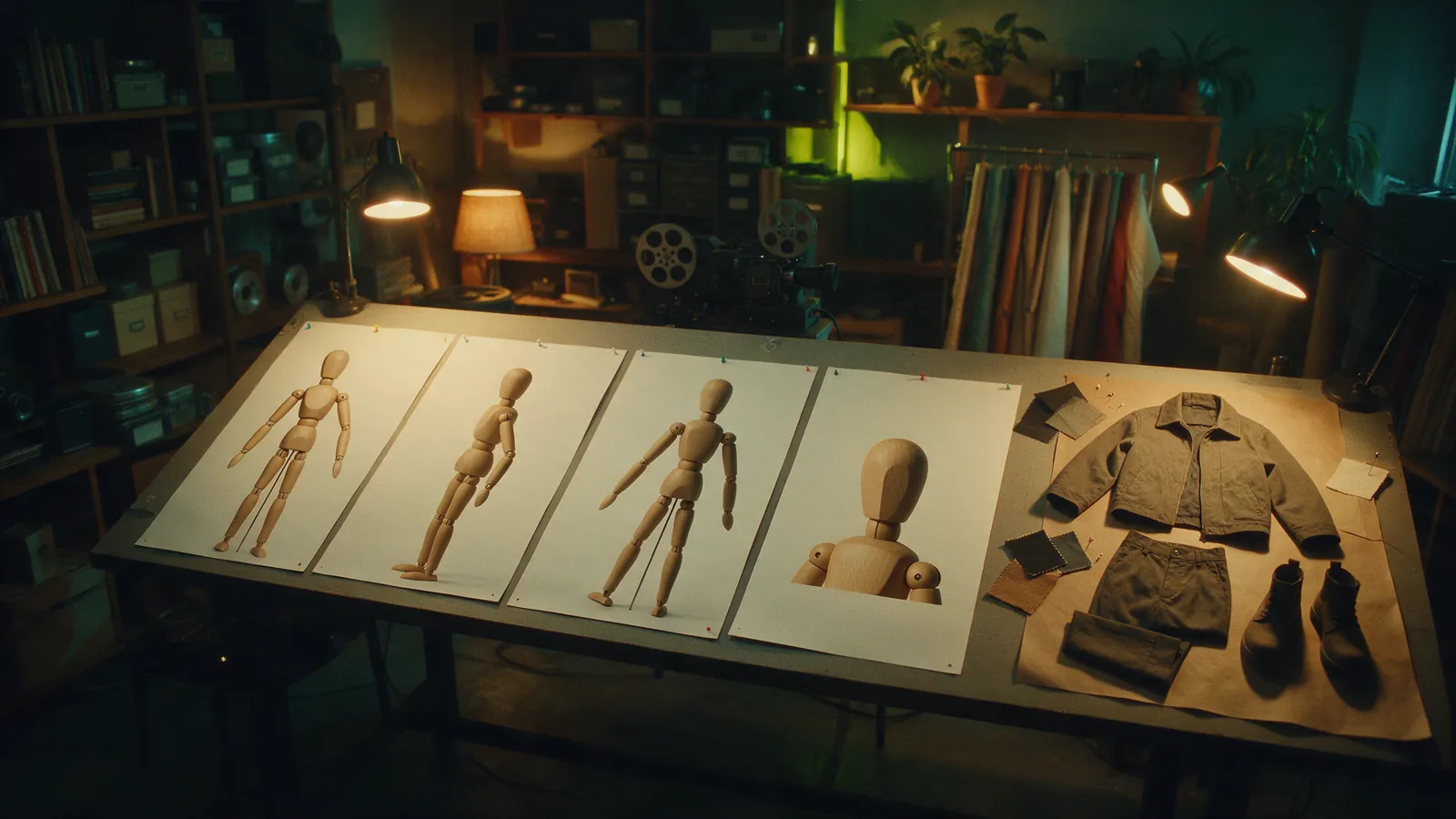
The Four-Panel AI Character Sheet (plus Wardrobe Flat Lay)
My working format for fixing a character's identity and carrying the same clothes into a separate costume sheet.