Resources/Claude skill
Four-Panel Character Sheet Skill for Claude
One character, one reference sheet your image and video models can reuse to keep the same person in every shot.

How to use it
Three steps, and it works in the Claude app and in Claude Code.
- 01Add it to Claude
Download the .zip. In the Claude app, open Settings, then Capabilities, then Skills, and upload it. In Claude Code, unzip it into your skills folder.
- 02Give it your character
A description, reference images or both. Claude fills in the identity worksheet with you and asks for anything missing.
- 03Generate and reuse the sheet
Run the prompt in your image model, check each panel at full size, and save the sheet as a reusable character element.
Who it is for
AI filmmakers who need a character to stay recognisable from every angle and in every scene.
The problem it solves
Without a fixed reference, faces, proportions and costumes drift whenever the camera or the scene changes.
What you get
- Identity worksheet
- Four-panel sheet prompt
- Wardrobe flat lay prompt
- Three modes (re-lay out, from a description, new state)
- Full-size review checklist
Why four panels
The large portrait fixes the face. The front view, the exact side profile and the back view show the same body at the same scale, which is where models usually lose proportions, hair and accessories when the camera turns. A neutral grey studio keeps colour casts and backgrounds out of the character.
What the skill does
It collects the identity in a short worksheet, chooses the right mode (an existing image, a written description or a new state of the same person) and writes the sheet prompt ready to paste. Once the sheet is approved, it writes the matching wardrobe flat lay from the sheet itself, so the costume never gets reinterpreted.
The rules that make it hold
No character names in the prompt, no mention of features the character does not have, no text on the sheet, and one sheet per state. Each rule comes from a failure I paid for on a real production.
Keep going
The AI Film Director's Method: Preparation, Prompts and the Anatomy of a Shot
How I prepare visual references, direct movement and judge what a generated shot actually delivers.
How I Write Seedance Prompts: The Borrowed Wounds Rulebook
A practical structure for turning a shot into visible, timed instructions.
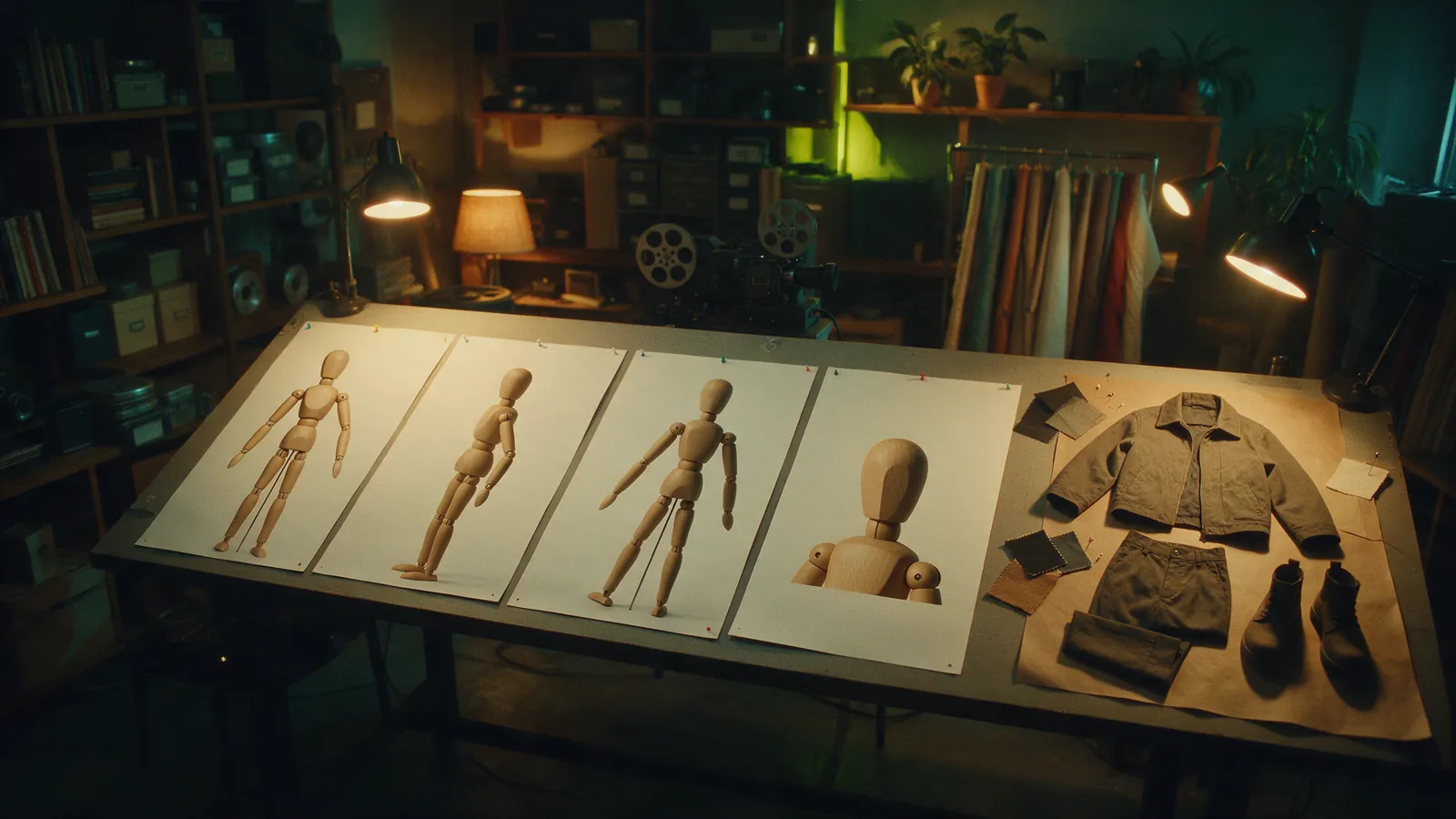
The Four-Panel AI Character Sheet (plus Wardrobe Flat Lay)
My working format for fixing a character's identity and carrying the same clothes into a separate costume sheet.